Blog
How to collect voice replies from newsletter readers (2026)
Newsletters are a one-way channel by default. A single button that opens a recording page lets readers answer in their own voice, and gives you stories, questions and quotes for the next issue.
The short answer
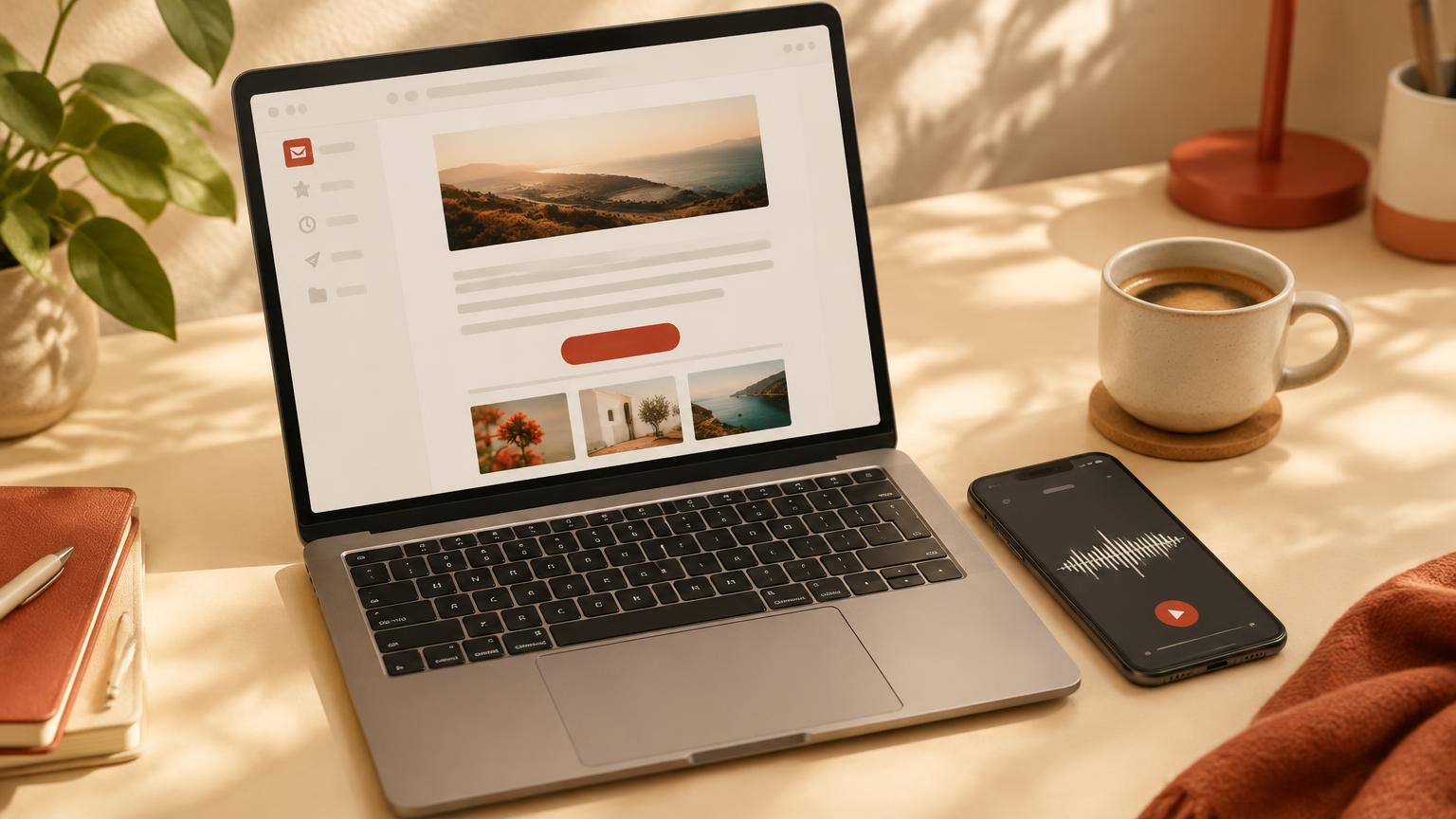
Email clients don't run scripts or embedded recorders, so you can't record audio inside an email. What works everywhere is a normal link: add a button such as “Reply with a voice memo” that opens a recording page in the reader's browser. Ask one specific question, suggest a length of 30–60 seconds and say how you might use the replies.
This guide is published by Memodrop, one of the options below. The comparison describes how each method works rather than claiming one fits every newsletter.
Compare ways to hear back from readers
Choose the method your readers can use in a few seconds and that you can manage between issues.
| Method | What readers do | What to consider |
|---|---|---|
| Hit reply | Write an email back. | Zero setup and good for deliverability, but long threads are hard to sort and you only get text. |
| Survey or form link | Click through and fill in fields. | Easy to analyse, but answers tend to be short and impersonal. |
| Audio attachment by email | Record in a phone app and attach the file. | Uses your inbox, but takes several steps and files arrive in mixed formats. |
| Voice memo link — for example, Memodrop | Tap a button, allow the microphone, record and send. | No account for readers. Memodrop adds a transcript and one-line summary; Free recordings are limited to one minute. |
Step 1: Pick one question per issue
A concrete question gets far more replies than “let me know what you think”. Tie it to the issue's topic so readers already have something to say.
| Goal | Example prompt | Suggested length |
|---|---|---|
| Reader mailbag | What's one question you want answered in the next issue? | 30–60 seconds |
| Stories | Tell us about a time this week's topic happened to you. | 60 seconds |
| Feedback | What should we cover more of, and what can we drop? | 30 seconds |
| Testimonials | What changed for you after reading this newsletter? | 30–60 seconds |
Step 2: Create the recording page
In Memodrop, create a project named after the series, for example “Newsletter — reader mailbag”, add your question and copy the link. Readers open it in any browser, and every memo lands in the project's private inbox with the audio, a cleaned transcript and a summary.
Step 3: Add a button to your email
Most newsletter tools let you add a button with a link, or paste a custom HTML block. In Memodrop, open Share on your project and copy the newsletter button: it is plain, inline-styled HTML that works in common email clients. If your tool has no HTML block, use its own button element and paste the project link.
Put the button right after the question, not in the footer, and repeat the ask in one short line so it doesn't look like an ad.
- Button text: “🎙️ Reply with a voice memo”
- Line above it: “Hit the button and tell me in under a minute — no account needed.”
- Line below it: “I may feature a few replies in a future issue.”
Step 4: Be clear about how you use voices
Tell readers before they record whether you might quote them, play their audio or keep them anonymous. Ask for a first name only if you plan to credit people, and remove any reply on request.
Step 5: Turn replies into the next issue
Skim summaries first, then read transcripts of the best replies. Quote two or three in the next issue, answer the most common question, and link back to the same recording page so the loop continues. Over time, a recurring “You said” section becomes something readers look forward to.
A quick checklist
One question, one button, one recording page. Place the button next to the question, set a one-minute expectation, say how replies are used, and feature a few in the next issue. Create a free Memodrop project and add the button to your next send.
Related: voice testimonials, planning a mailbag episode, pricing and more articles.
Your audience has things to say.
Your first link is a minute away. Free, no card needed.
Create your first link