Events & communities
Every voice in the room, in one inbox.
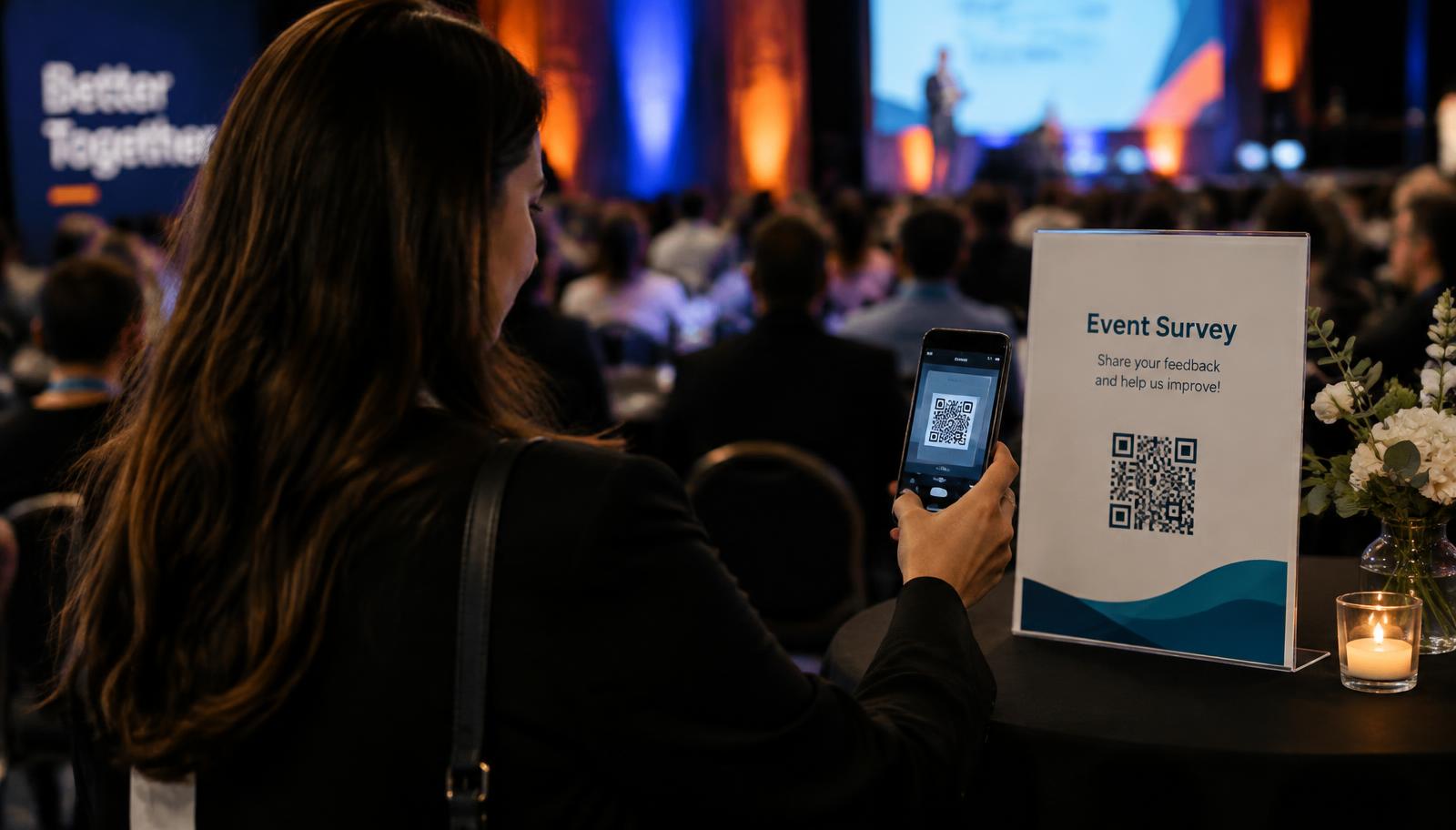
Show a QR code on stage, on a table card or in your Discord. Attendees record in seconds.
How it works
- 1
Create an event project and download its branded QR code.
- 2
Attendees scan and record questions or reflections on their phone.
- 3
Read summaries live, pick questions for the Q&A, and keep the best clips for your recap.
Why Memodrop for collect audience questions
QR code built in
Download a high-resolution QR code for slides and print.
Anonymous welcome
People ask the questions they would never raise their hand for.
Recap material
Use real attendee voices in your after-movie or newsletter.
Questions
- How do I collect audience questions at an event?
- Share a Memodrop QR code. Attendees record their question in the browser and it appears in your inbox with a transcript.
- Is Memodrop free?
- Yes. The free plan includes up to five projects, memos up to one minute and seven days of storage. Premium is $9 per month or $69 per year, with a seven-day free trial.
- Do people need an app or account to record?
- No. They open your link in any modern browser on phone or computer, tap record and send. No app and no account.
- Who can hear the memos?
- Only you, the project owner. The link you share can only record, never listen.
- Which languages are supported?
- More than 90. Memodrop detects the spoken language and writes the title and summary in that language.
More use cases
Free to start. See Memodrop pricing →
Your audience has things to say.
Your first link is a minute away. Free, no card needed.
Create your first link